Neon Handbrake Powerslide
W + A/D + Hold SpaceApproach a 90-degree avenue at top speed, tap Space to kick out the rear tires, and counter-steer to exit with full momentum.
Drop into a procedural neon night city in GTA 6 Browser. Drift streets, carjack any car, tune 7 radio stations, and survive 5-star police chases — zero downloads.
Our Three.js WebGL2 engine runs on laptops, Chromebooks, Macs, and phones. Keep hardware acceleration enabled for silky 60 FPS neon lighting.
Use WASD or Arrow keys to drive and walk, Space to powerslide corners, and F to carjack any passing ride. Touch devices automatically show a virtual joystick.
No 100 GB download required — the entire 3D neon city boots in ~3 MB right inside your browser tab, with 7 original radio stations streamed on demand.
This is an unofficial open-world browser sandbox inspired by Vice City vibes. Looking to stream official Rockstar console releases via cloud gaming? See our guide below.
Launch GTA 6 Browser for instant open-world action: explore a glowing procedural metropolis, powerslide through traffic, tune the radio, and outrun escalating police chases.
Velocity-vector driving physics with tyre grip, realistic reverse steering, momentum-based collisions, and handbrake powerslides.
Hundreds of lit skyscraper blocks, corner streetlights, working dual headlights, ambient traffic AI, and live top-down minimap radar.
Cause chaos to raise your ★–★★★★★ wanted rating. Interceptor cruisers flash sirens, flank corners, and weave around buildings to box you in.
Every vehicle remembers its own station with synthesized engine revs, tire screeches, and distance-fading audio as you step out on foot.
Master every driving, drifting, carjacking, and radio keybind in GTA 6 Browser on desktop keyboards or mobile touch screens.
| Action / Function | Keyboard Binding | Execution Notes |
|---|---|---|
| Drive / Walk & Steer | WASDArrows | Accelerate, brake/reverse, and steer vehicles or walk on foot |
| Handbrake (Powerslide) | Space | Hold while turning at speed to break rear grip and drift around corners |
| Enter / Exit Vehicle | F | Step out on foot or carjack any nearby parked or moving vehicle |
| Sprint (On Foot) | Shift | Hold while running on foot to escape danger or catch a passing ride |
| Radio Station (Prev / Next) | [] | Cycle through 7 streaming music stations; audio fades as you walk away |
| Reset Vehicle | R | Instantly upright and unstick your car if wedged between buildings |
| Pause & Options Menu | Esc | Toggle graphics quality, audio levels, and resume your session |
Tip: For the smoothest GTA 6 Browser session, click inside the game window or switch to Fullscreen mode so all keys map directly to the canvas.
From clean handbrake powerslides to surviving a 5-star interceptor swarm, master the core sandbox mechanics.
Approach a 90-degree avenue at top speed, tap Space to kick out the rear tires, and counter-steer to exit with full momentum.
Hop out of a smoking vehicle and hijack any parked coupe or passing traffic car on the avenue in one button press.
Every wanted star adds another flashing police interceptor using flank-and-intercept steering AI to cut off your escape routes.
Track approaching traffic and blue-and-red cruiser blips on the live minimap to cut through side alleys before getting boxed in.
Switch stations mid-chase. Each vehicle remembers its broadcast and keeps playing in 3D spatial audio when you step outside.
Slammed into a skyscraper corner or pinned by cruisers? Tap R to reset your vehicle upright and get back on the throttle.
New to the sandbox? Follow this five-step neon street run to experience every core mechanic in under two minutes:
Wrecked by a 5-star roadblock? Respawn in a second, grab a new car, and test a faster escape line through the neon grid.
Hit W to roll off the spawn avenue and tap ] to pick your favorite synthwave or night-drive radio station.
Build speed down a straightaway, tap Space while turning left or right, and listen for the synthesized tire screech.
Press F to step out on foot, sprint with Shift toward a curb-parked car, and press F again to steal a fresh ride.
Cause street mayhem to light up your wanted stars. Watch flashing squad cars fan out on your minimap to intercept you.
Weave through traffic and weave around downtown towers. Hit WASTED? You respawn instantly with a clean slate.
Cruise our instant WebGL2 neon metropolis today and learn how official cloud gaming works for console releases.
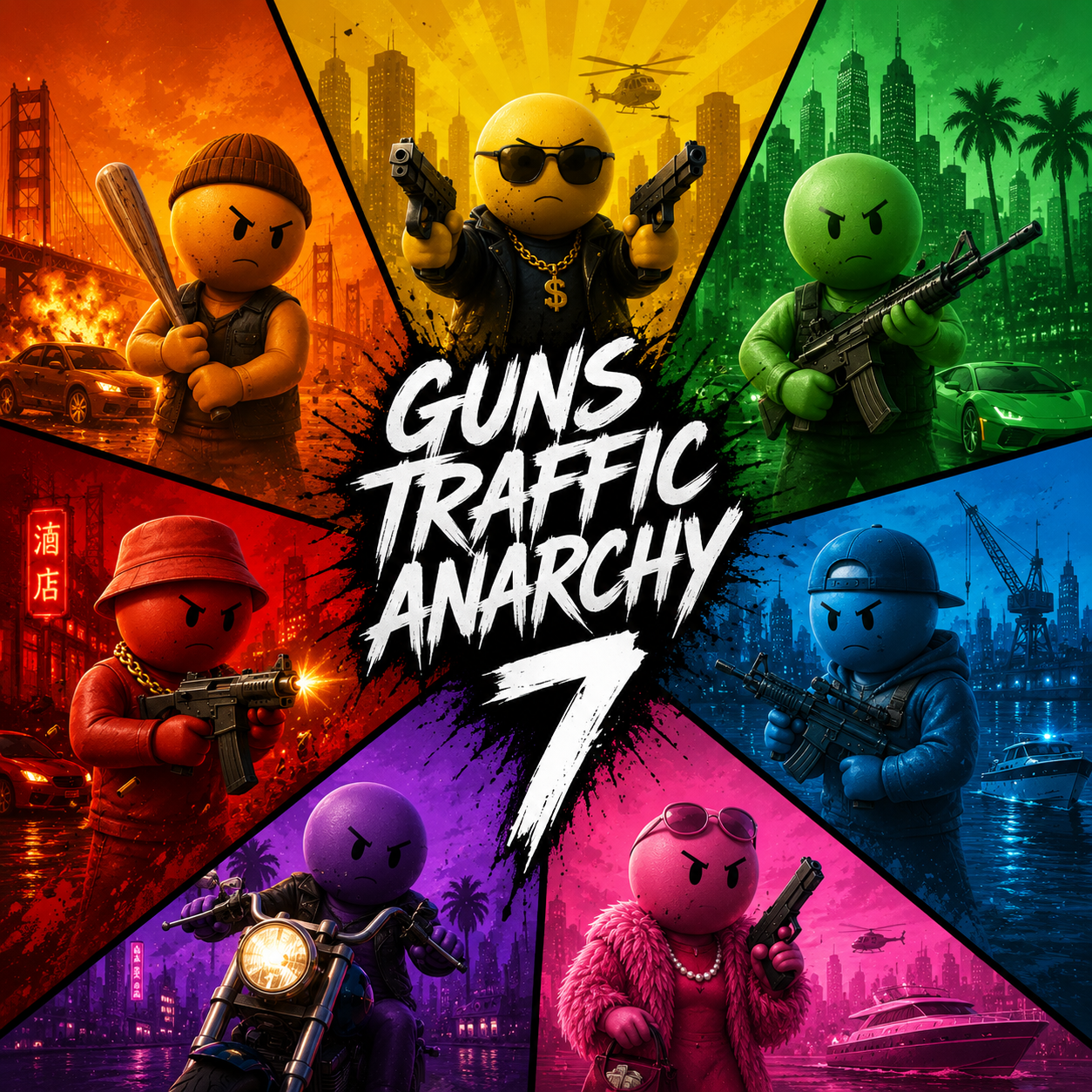
A procedural skyline packed with glowing towers, warm corner streetlights, wide avenues for drifting, and live traffic loops.
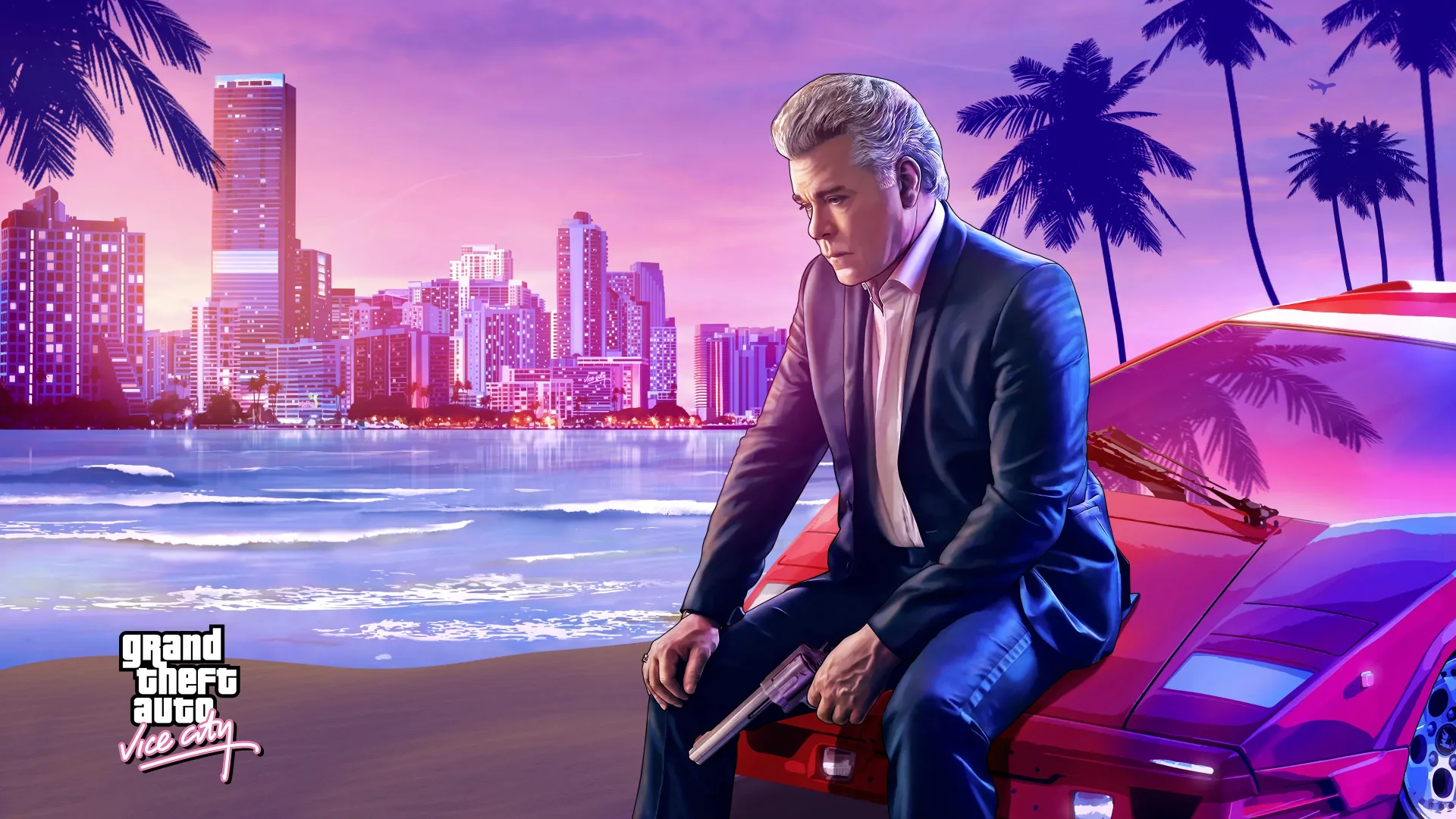
Wide sunset avenues, glowing storefronts, and coastal-inspired night blocks built for cruising and carjacking.
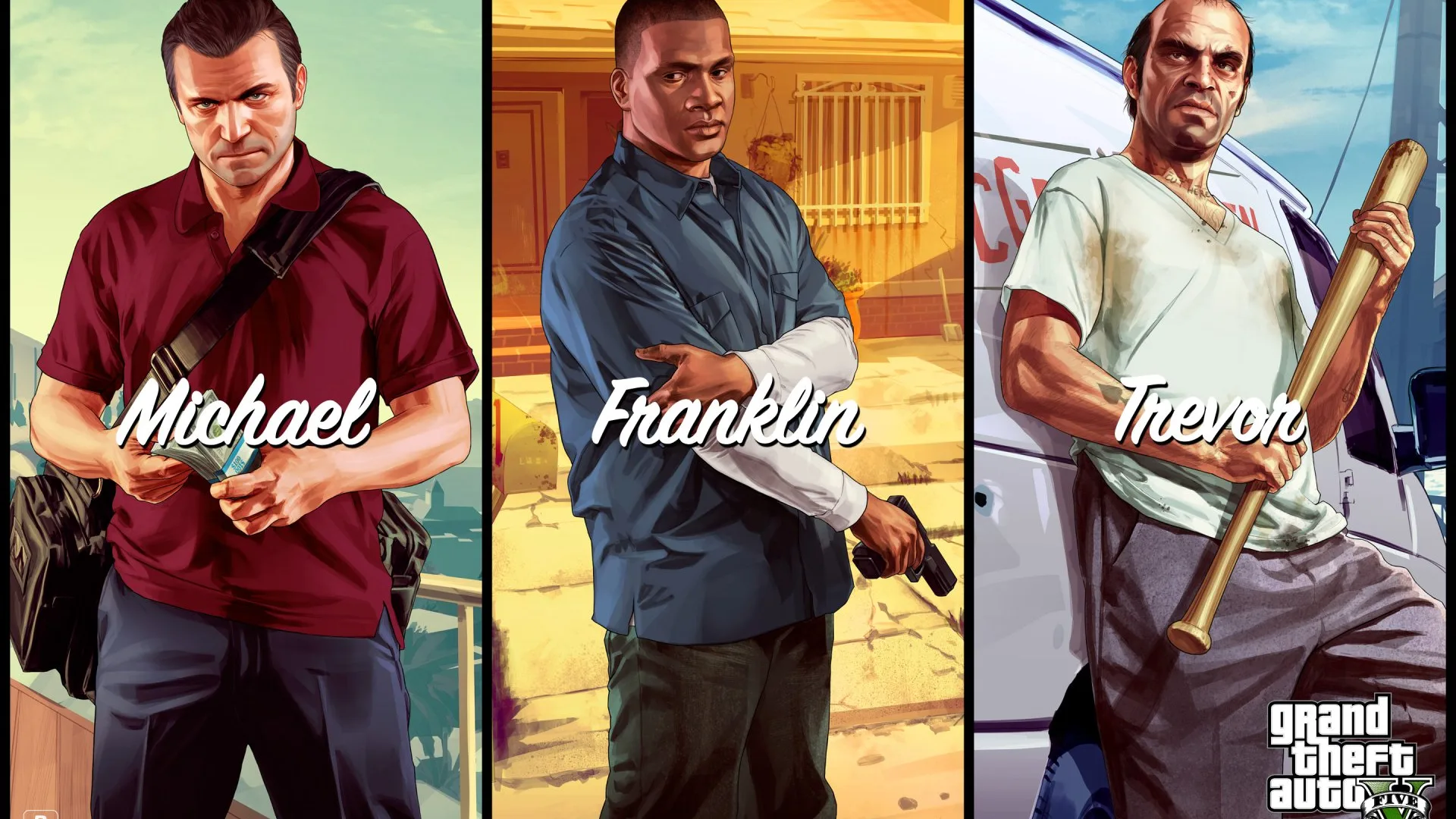
Long straightaways and tight 90-degree intersections built for dodging flanking police interceptors and pulling off last-second drifts.
Rockstar’s official Grand Theft Auto VI launches on PS5 and Xbox Series X|S — no native browser port exists. To stream official console or PC titles inside a browser tab, players use cloud services like Xbox Cloud Gaming, PS Remote Play, or GeForce Now. While you wait, our free Three.js sandbox gives you instant Vice-City-style driving right here.
Experiencing lag, no audio, or unresponsive keys in GTA 6 Browser? Follow these quick browser fixes.
In Chrome or Edge, open Settings → System and enable "Use graphics acceleration when available", then restart your browser. Closing extra heavy tabs also frees GPU memory.
Click Reload Sandbox in the bottom-right HUD or press Ctrl+Shift+R to clear any interrupted cache. The entire sandbox is only ~3 MB and should boot within seconds.
Touch controls (analog joystick + drift, carjack, sprint, and reset buttons) appear automatically on mobile screens. Rotate to landscape mode for the best view.
Click once inside the 3D game screen (or press the Focus button) to capture keyboard input. Using Fullscreen mode completely eliminates accidental page scrolling.
Browsers mute Web Audio until your first click or keypress. Click inside the game canvas and tap ] to tune a radio station. Make sure the browser tab is not muted.
Ensure your browser is up to date and WebGL2 is enabled. Check chrome://gpu to confirm hardware acceleration is active, and on dual-GPU laptops assign your browser to the dedicated GPU.
The 3D sandbox itself is self-hosted directly on this domain so it loads reliably on most Chromebooks. If streaming radio stations are filtered by a school firewall, engine and drift audio still work offline via Web Audio synthesis.
Yes! GTA 6 Browser is 100% free to play directly in your web browser with no downloads, accounts, or paywalls required.
No. Official Grand Theft Auto VI is a AAA console/PC release by Rockstar Games and does not have an official native browser version. This site hosts a free, open-source Three.js 3D open-world browser sandbox inspired by neon GTA gameplay, plus cloud gaming guides.
Yes! Because it runs on lightweight Three.js WebGL2 (~3 MB), it works on Chromebooks, Windows PCs, MacBooks, iPhones, and Android devices with automatic touch controls.
Use WASD or Arrow keys to drive, hold Space while turning to powerslide/drift, and press F to exit your vehicle or carjack any nearby parked or moving car.
Causing mayhem in the neon city raises your wanted rating from 1 to 5 stars. Each star dispatches another flashing police cruiser with intercept AI that chases you across the grid.
Once official GTA 6 supports cloud streaming platforms (such as Xbox Cloud Gaming, PS Remote Play from your own console, or GeForce Now), you will be able to stream it in a browser tab with an eligible subscription or console.
The embedded 3D city sandbox is powered by the MIT-licensed TypeScript + Three.js open-world project (depixeled-chris/gta7), self-hosted locally for fast, ad-free loading. Not affiliated with Rockstar Games or Take-Two Interactive.